
Think it through together on a shared whiteboard.
Open the board mid-session and work on it with your client in real time. Start from a ready-made therapy board, add stickers, backgrounds and images, and save your own boards as templates.
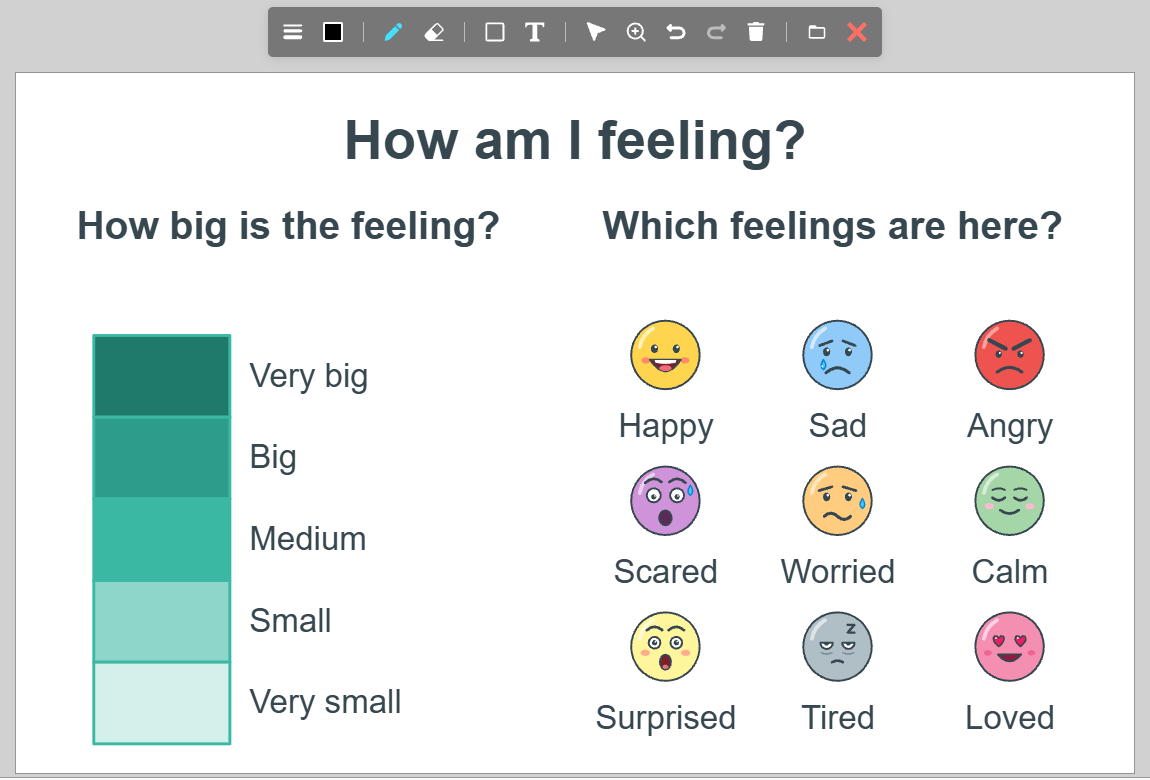
Whiteboard in three steps
Open the board
Launch the whiteboard at any point during the session.
Pick a starting point
Start blank, choose a ready-made board, or load one of your own templates.
Work on it together
Draw, write and add stickers or images on the same board in real time, then download it as an image.
Start from a therapy board
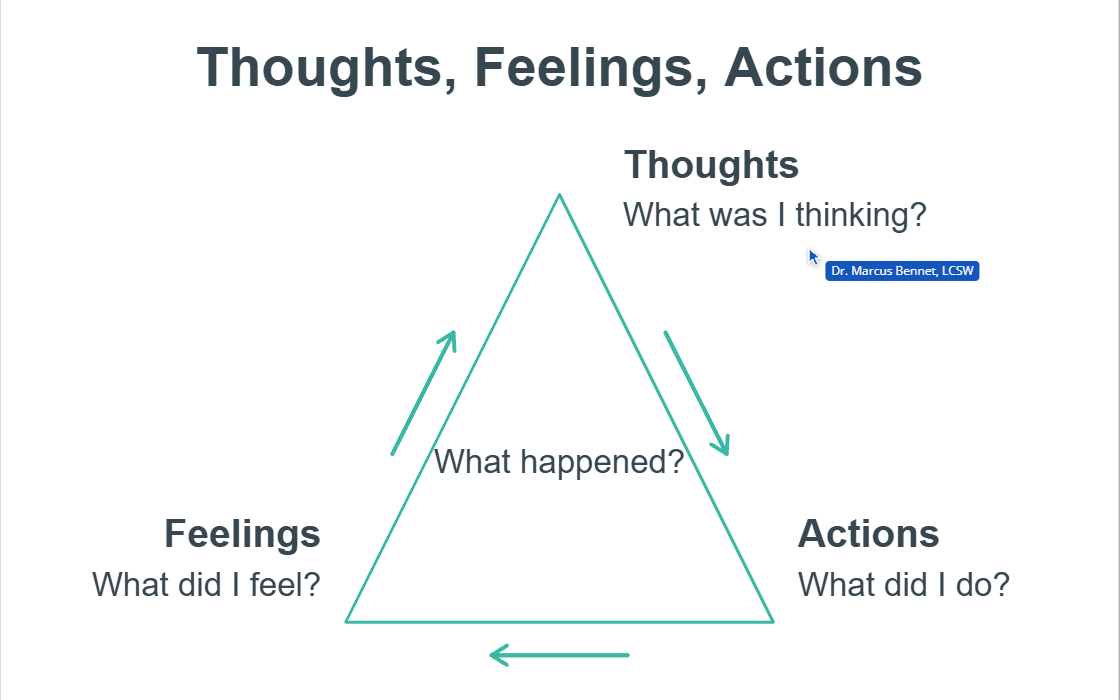
Each board is placed in your language and locked, so your client can write and draw on it without moving it. Unlock it any time from Board controls.
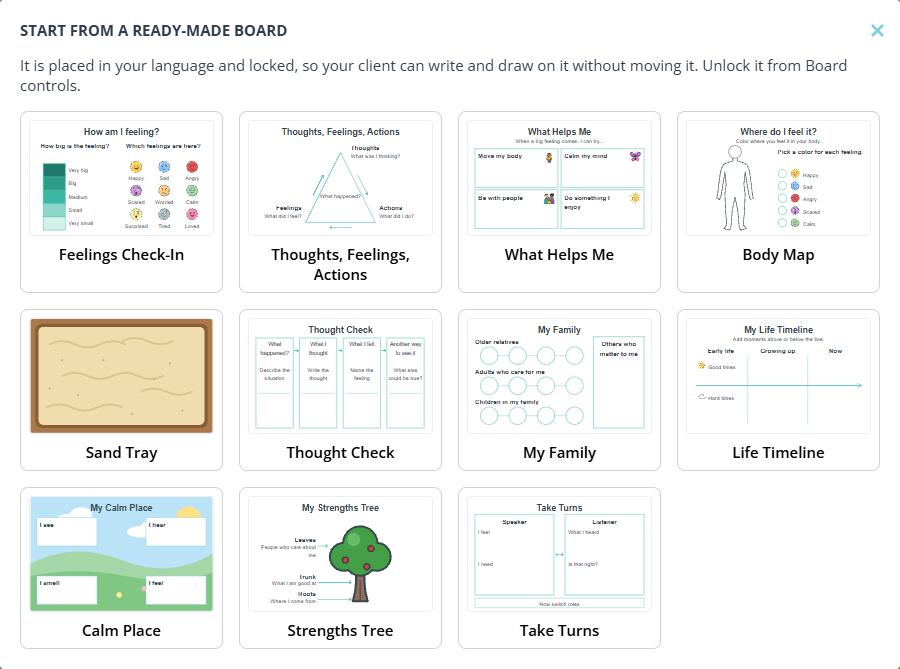
- Feelings Check-In
- Thoughts, Feelings, Actions
- What Helps Me
- Body Map
- Sand Tray
- Thought Check
- My Family
- Life Timeline
- Calm Place
- Strengths Tree
- Take Turns
Make the board their own
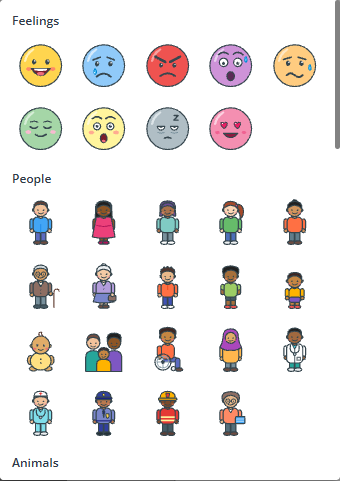
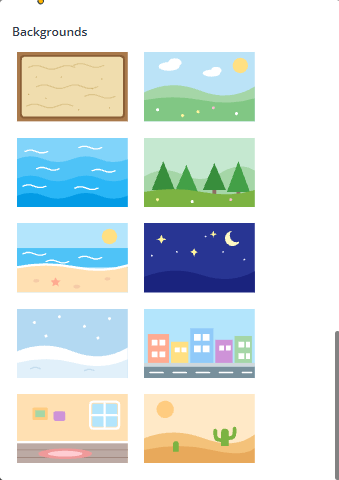
Add stickers from Feelings, People, Animals, Nature, Places and things, and Stories and play, or set a scene with a background.
Built to make your day easier
Save and load templates
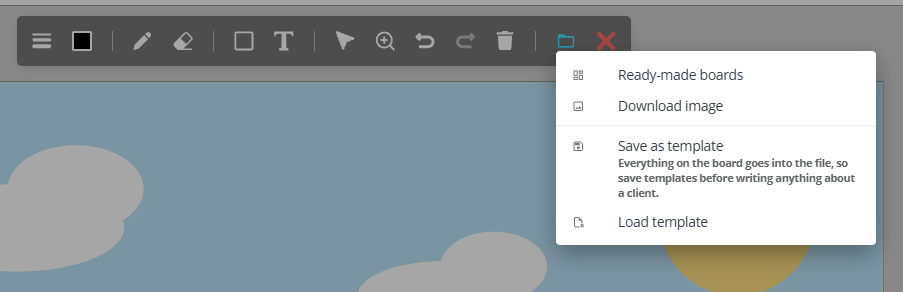
Save a board you built as a template and load it in a later session. Everything on the board goes into the file, so save templates before writing anything about a client.
Bring in images
Copy and paste an image onto the board, or upload one from your computer.
Follow Me
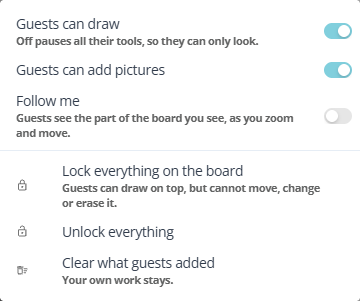
Guests see the part of the board you see, as you zoom and move, so you are both looking at the same thing.
Lock the board
Lock everything so guests can draw on top but cannot move, change or erase it. Unlock it any time.
Download as an image
Keep a copy of the finished board by downloading it as an image.
Private and secure
The whiteboard runs inside your encrypted session.
You lead, they join in
See everyone's pointer by name, bring guests to the part of the board you are looking at, and decide what guests can change.
Your boards, ready next time
Open ready-made boards, download the board as an image, or save and load your own templates from the board menu.
Related features
Try the Whiteboard free for 14 days
Use the whole platform free for 14 days. No credit card required. Subscribe anytime to keep full access.